A takeaway site that keeps your margin
Your own ordering site, your own customer list, your own margin. Stripe pays out next day; the marketplace doesn't get its 25%.
Delivery apps take 25–30% of every order
Flat subscription, Stripe processing, nothing per order
You cannot reach the customer once the app has them
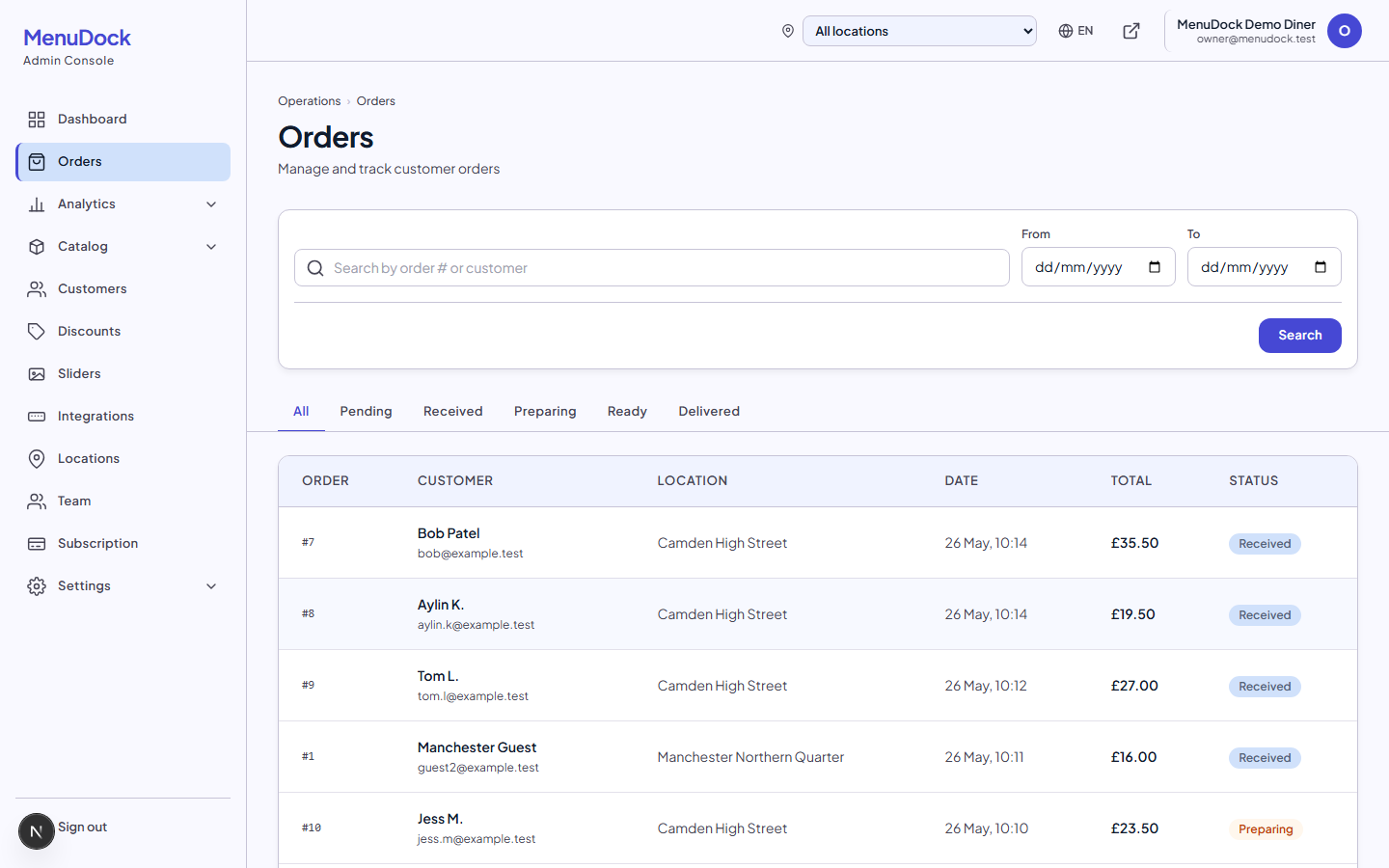
Orders come through your domain. Email, history and repeat ordering live in your admin
Friday 7pm buries the kitchen in tickets
Scheduled collection slots and a realtime tablet keep tickets ordered by pickup time, not by when they landed
Quiet hours still cost you the marketplace cut
Storefront turns on and off on your schedule. No baseline platform fee
Drivers see addresses on a clipboard
Each ticket shows the postcode, slot time and any access notes
Counting driver cash at midnight is a guess and an argument
One settlement figure per driver: cash collected, minus the cash tips they keep, with card tips reported separately
Quiet Tuesday and no way to tell your regulars
SMS Promotions texts the customers who have not ordered in 90 days, priced before you send
The 7pm rush, sorted by pickup time
A busy takeaway doesn't fail because of the number of orders. It fails because nobody knows which one is next. Customers pick a collection or delivery time in 15-minute increments within your opening hours, and the slot prints on every ticket. The tablet sorts the queue by pickup time, so the kitchen works the 7:00 board before the 7:15 board instead of chasing whichever order pinged loudest.

The maths on a single ticket
Same customer, same £20 basket. The only thing that changes is who keeps the margin. UK card rates assumed.
Through a 25% marketplace
Headline commission only. Service and admin fees are extra.
- Customer pays
- £20.00
- Marketplace keeps (25%)
- −£5.00
- You receive
- £15.00
Through your own site on MenuDock
Stripe processing only. MenuDock charges a flat monthly plan, nothing per order.
- Customer pays
- £20.00
- Stripe takes (1.4% + 20p)
- −£0.48
- You receive
- £19.52
That's roughly £4.52 extra in your till on every ticket. The flat MenuDock subscription (£79/mo) pays for itself once you do more than around twenty orders a month. Past that, every extra ticket is pure margin you would have lost to the marketplace.
Scaled across a month
| Online orders / month | 25% marketplace keeps | MenuDock + Stripe costs you | You keep |
|---|---|---|---|
| 1 (£20 ticket) | £5.00 | £0.48 (Stripe only) | +£4.52 |
| 200 (£4,000 turnover) | £1,000 | £175 (£79 + £96 Stripe) | +£825 |
| 500 (£10,000 turnover) | £2,500 | £319 (£79 + £240 Stripe) | +£2,181 |
Assumes a £20 average ticket, UK Stripe rates (1.4% + 20p) and the £79/mo Business plan. Your actual numbers depend on your average basket and payment mix.
Postcode zones, your delivery (or someone else's)
Set delivery zones by postcode prefix or distance from the kitchen, each with its own delivery fee. SE15 might be £2.50; SE5 might be free. A single minimum order amount keeps the small tickets out. Customers outside any zone get told before they fill their basket. Use your own driver, plug in Stuart or Uber Direct, or run collection only. We don't take a cut either way.

A peak Friday night
- 01
12:40pm. Customer orders from work for tonight, picks the 7:15 collection slot.
- 02
Stripe confirms the card. The kitchen tablet pings; the ticket prints with the slot and postcode on top.
- 03
7:10pm. Status flips to "ready". Driver sees the postcode and any access notes on the ticket.
- 04
Customer gets the confirmation email. Stripe payout for the night arrives in your account the next morning.
Common questions
Can customers schedule an order for later?
Yes. Customers pick a collection or delivery time in 15-minute increments within your opening hours. The slot prints on the ticket so the kitchen knows when to start it.
Do you do the delivery driving?
No. MenuDock is the ordering and payment layer. You use your own driver, a partner service like Stuart or Uber Direct, or collection only. If you run your own drivers, you can keep them on file, put a name on every delivery, and settle the cash at the end of the night — that is included on every plan.
How do delivery zones work?
You define zones by postcode prefix or distance from the kitchen, each with its own delivery fee. A single minimum order amount applies across delivery. Customers outside the zones get a clear message at checkout instead of an order you cannot fulfil.
Can I block specific postcodes or roads?
Yes. Exclude a postcode prefix and customers in that area see "out of range" before they fill their basket. Useful for blocks of flats with broken intercoms.
What about cash on collection?
Online orders are card only. That is what kills chargebacks and no-shows. Walk-in cash is whatever your till already does.
When do I get paid?
Stripe pays your bank on its standard schedule, usually next working day. You can see every payout in the admin, broken down per order.
Can I run promo codes for quiet nights?
Yes. Percentage and fixed-amount codes, with optional usage caps and date ranges. Drop a code in your Instagram story on a Tuesday and watch it move tickets.
What if a customer wants to cancel?
You refund from the admin in one click. The refund goes back to the customer's card through Stripe; you do not handle the cash side.
Running a full-service restaurant? See the restaurants page. More than one site? Look at chains and groups.
Take your first online order this week
Set up your branded storefront, connect Stripe and start taking online orders. No commission on what your customers spend.
- Branded storefront on your own domain in minutes
- Stripe pays you directly, with no middlemen
- Real-time tablet, POS sync and discount codes built in