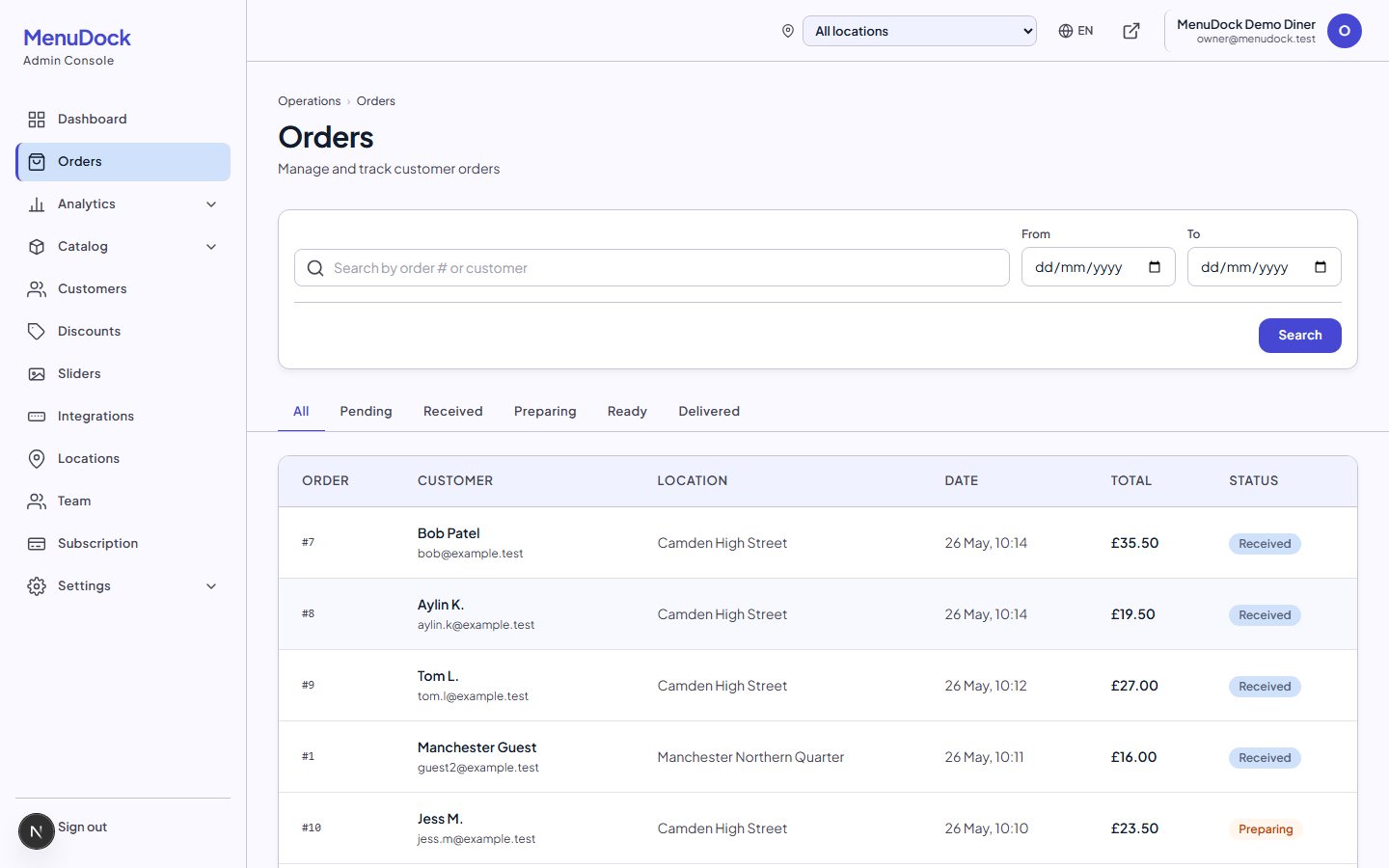
One tablet, every order, in real time
When Stripe confirms a payment, the order shows up on your kitchen tablet within a second. Tap once to move it through preparing, ready and delivered.
Real-time push
No refresh button. Orders arrive as soon as Stripe confirms the payment.
Clear status flow
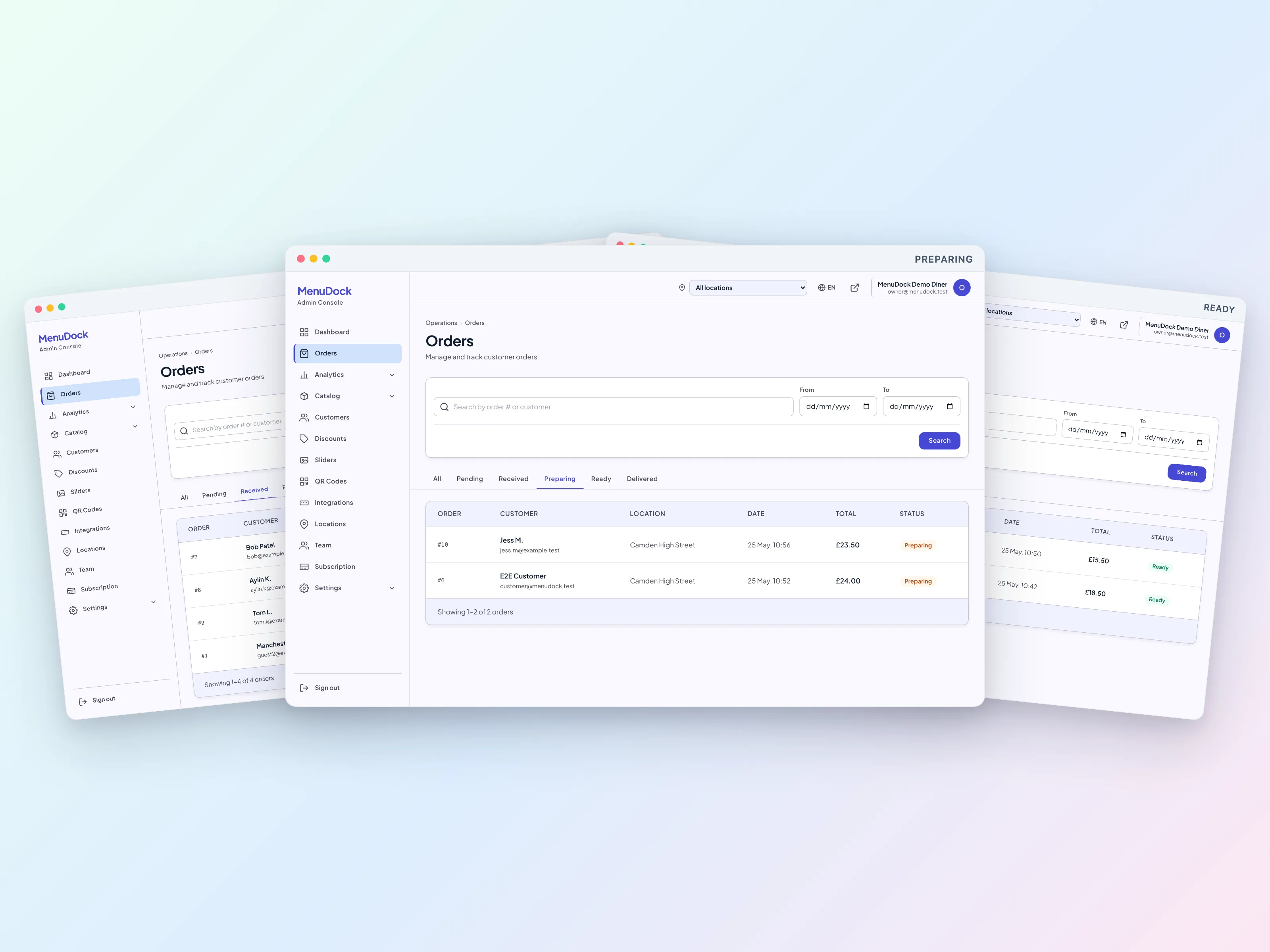
Received, preparing, ready, delivered. With cancel and refund where you need them.
Sound alert
Loud enough to hear over a busy kitchen.
Mobile app
On iPhone, iPad and Android. Same orders, smaller screen.
Built for a busy service
The tablet view is large type and big buttons on purpose. A new order announces itself with a sound. The status only moves forward, so nobody taps 'ready' by accident on the wrong ticket. Old orders fade to a calmer view so the kitchen reads the new ones first.
On the go
The mobile app shows the same orders on your iPhone, iPad or Android device. Owners use it to keep an eye on a quiet shift from home, or to confirm a ticket from the front counter without walking to the kitchen.
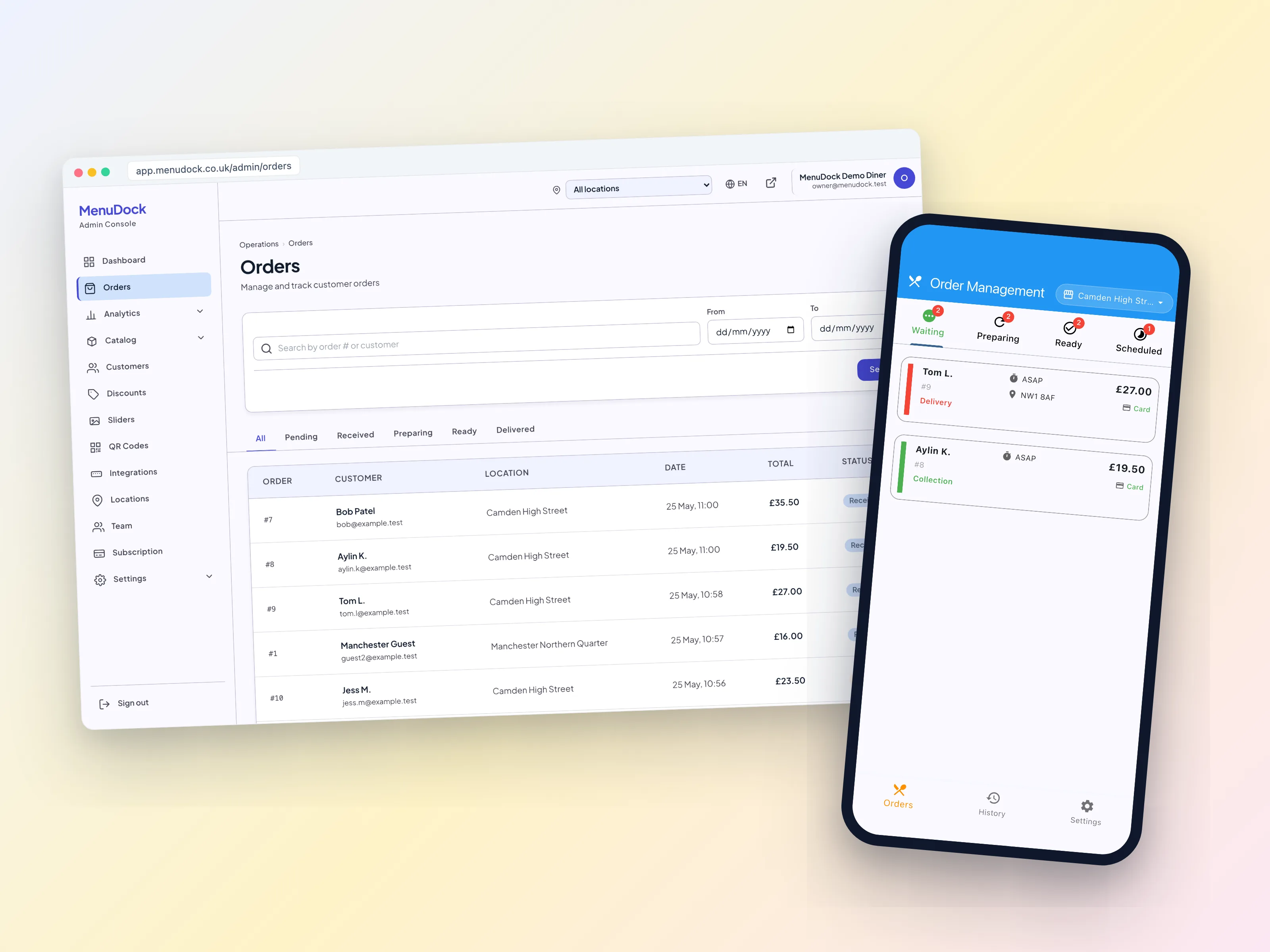
Plan availabilityThe kitchen tablet, order history and mobile app are on every plan.
Take your first online order this week
Set up your branded storefront, connect Stripe and start taking online orders. No commission on what your customers spend.
- Branded storefront on your own domain in minutes
- Stripe pays you directly, with no middlemen
- Real-time tablet, POS sync and discount codes built in