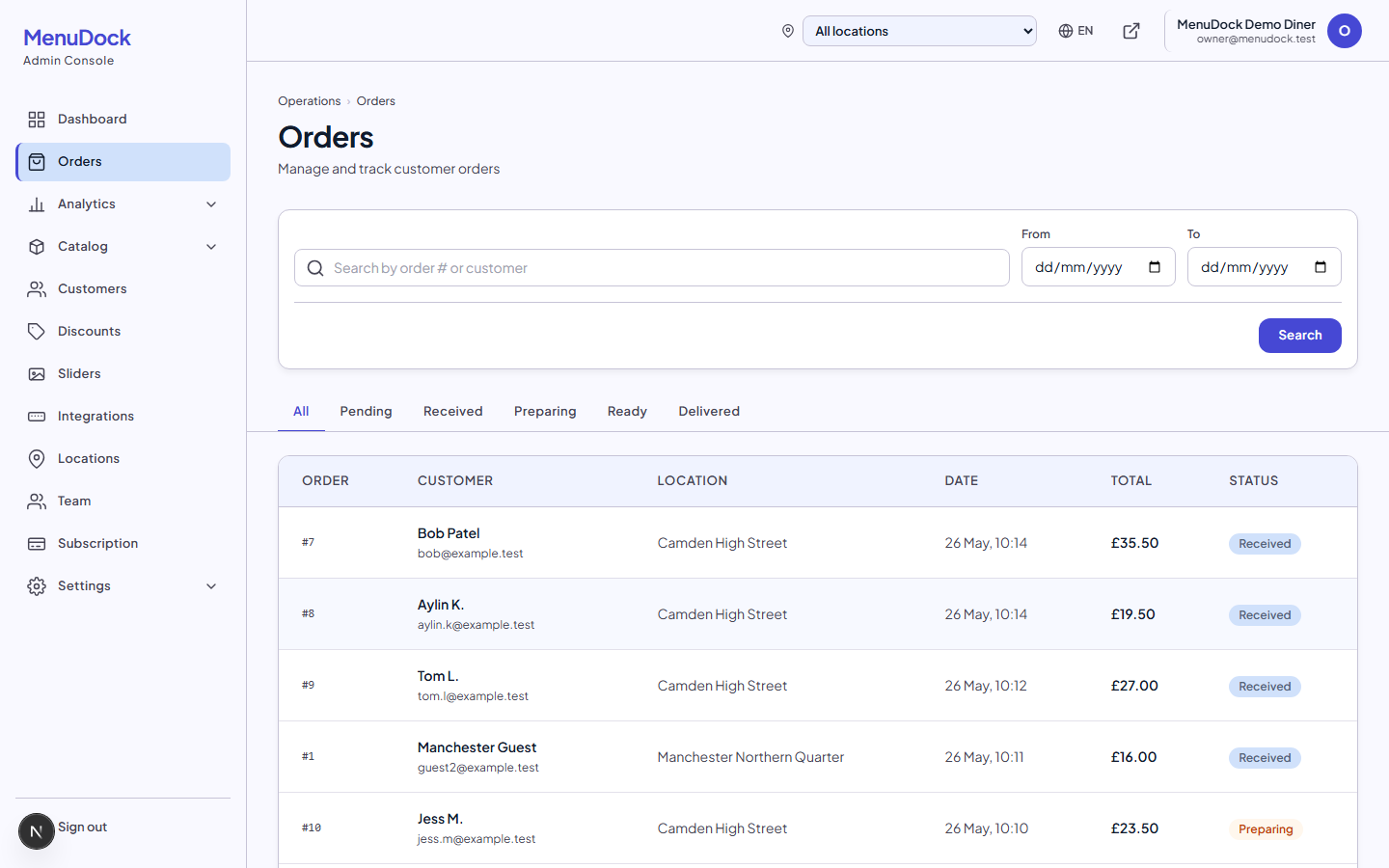
Know which driver has which order — and what they owe you at midnight
Keep your drivers on file, put a name on every delivery, and end the shift with one number per driver instead of a pile of receipts and an argument.
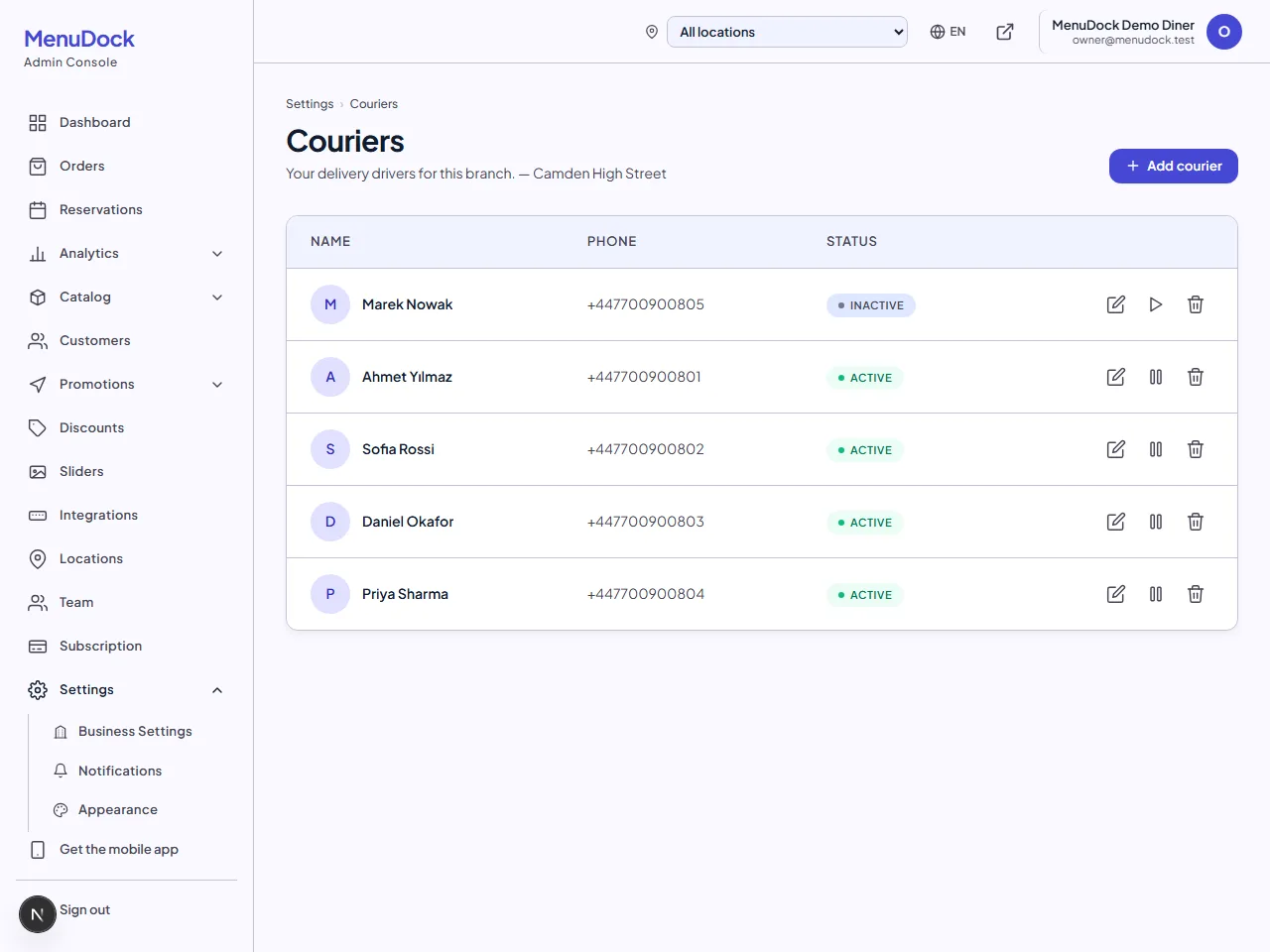
Driver records
Name, phone and photo, kept per branch. Retire a driver and the deliveries they already did keep their name.
Assign in one tap
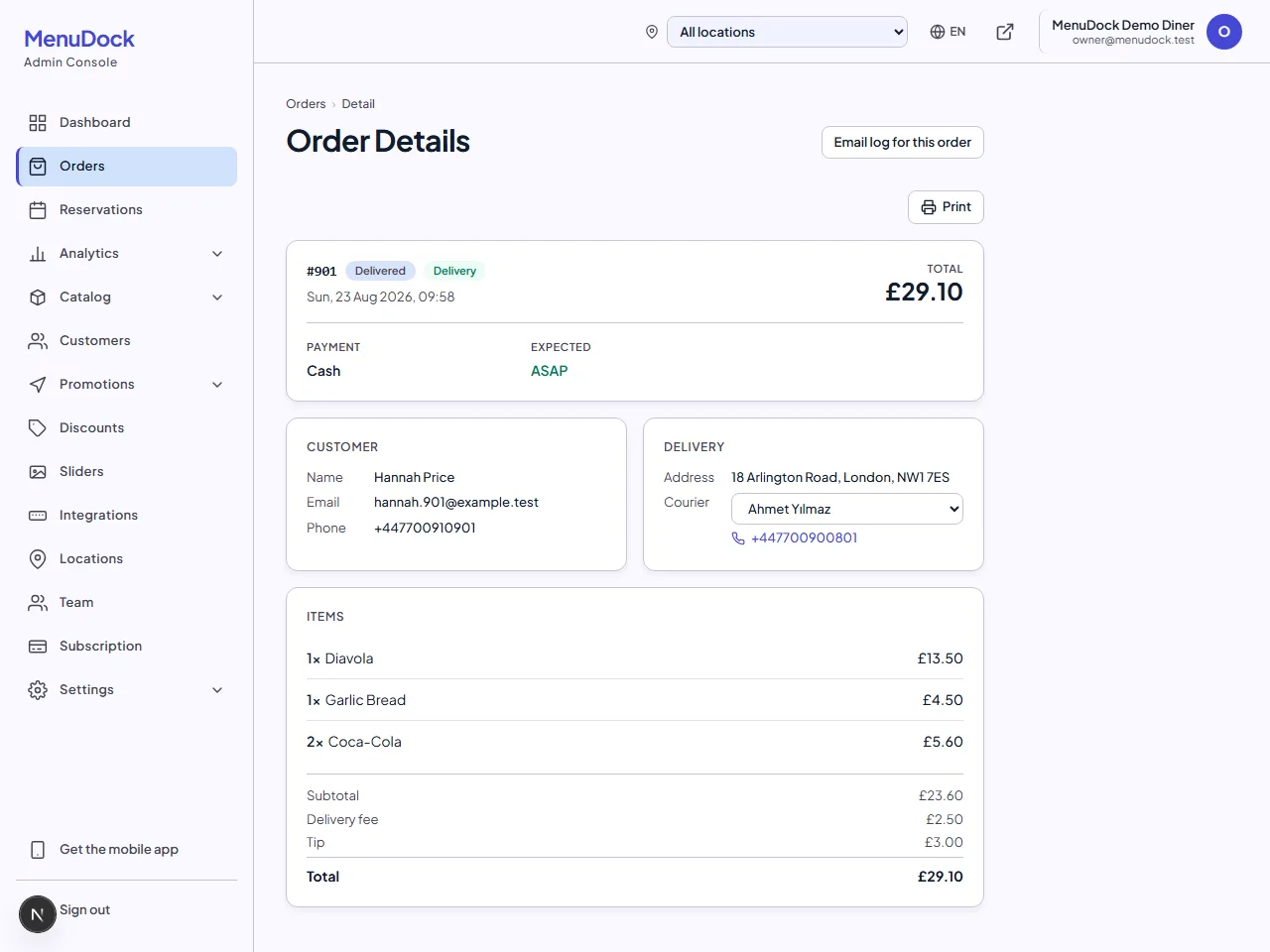
From the admin panel, the mobile app or the till. Kitchen staff can assign a driver without being able to change the order.
Cash reconciled
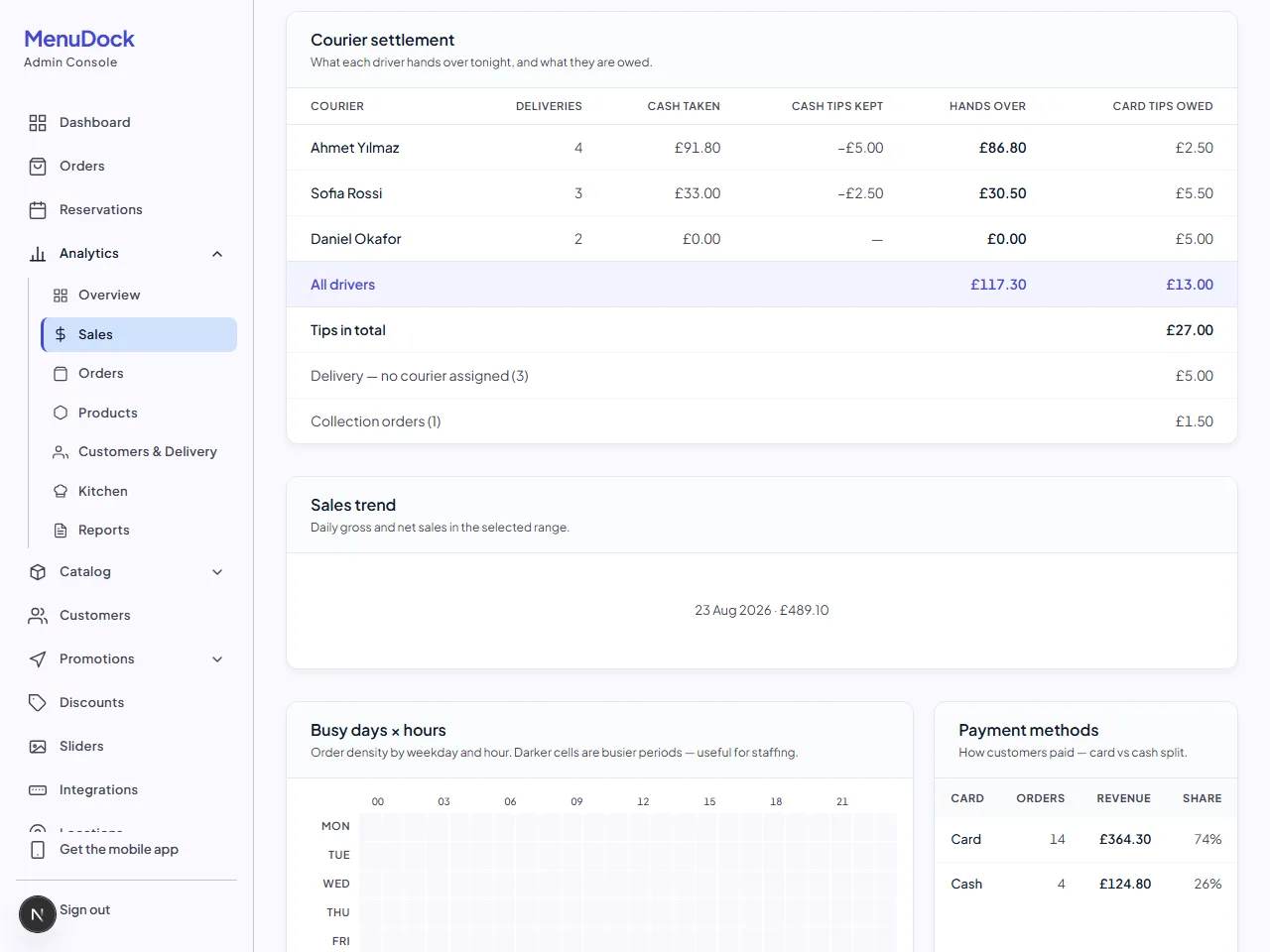
What a driver hands over is the cash they collected minus the cash tips they keep. The subtraction is done for you.
Nothing forgotten
Deliveries that went out with no driver on them are listed on their own, so a missed assignment is visible before the money is counted.
The end-of-night maths, done properly
On a cash delivery the driver collects the tip along with the food, and the tip is theirs — so what they hand over is the cash they took minus the cash tips. A tip on a card order never reached them at all: you are holding it, and you owe it back. Those two run in opposite directions, so they are reported as two figures and never quietly netted against each other. Refunds come off the cash line, so it matches the day's takings; collection orders and unassigned deliveries stay separate rather than being lumped into one 'no driver' total.
Assigning a driver does not move the order
Naming a driver and telling the customer their food is on its way are two different acts, so they stay two different taps. The customer already gets an 'on its way' email the moment a delivery is marked ready — putting a driver's name on the ticket is for you, not for them. A driver has to be active and at the right branch before they can be assigned, so nobody ends up on a ticket from the shop across town.
Works where your staff already are
Drivers can be added and assigned from the admin panel in a browser, from the mobile app on a phone at the counter, or straight from a connected till — a branch that only has a till still gets to add a driver. Whichever one they use, it is the same list.
Plan availabilityCouriers, driver assignment and end-of-day settlement are included on every plan — Starter, Pro and Business — at no extra cost.
Take your first online order this week
Set up your branded storefront, connect Stripe and start taking online orders. No commission on what your customers spend.
- Branded storefront on your own domain in minutes
- Stripe pays you directly, with no middlemen
- Real-time tablet, POS sync and discount codes built in